Follow these steps to change your Plesk account password.
1. Log in to your Plesk account.
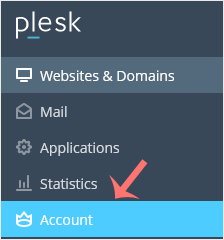
2. Click on Account from the Sidebar Menu.
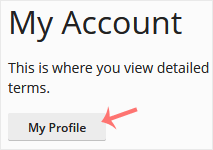
3. Click on My Profile.
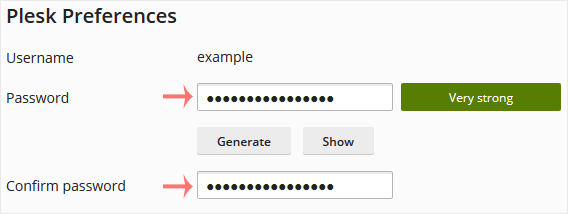
4. In the password field, enter your password or click Generate to generate one.
5. Click OK.
Your password will be updated. You can now log in with the new password.
A tutorial on how to access the Plesk Control Panel. After you place an...
1. Log in to your Plesk account. 2. Click on Files from the Sidebar Menu....
Follow these steps to reset your Plesk account password. 1. Open your...
Follow these steps to change your Plesk contact email address. 1. Log...
Follow these steps to change the language of the Plesk Panel. 1. Log...
