A subdomain is an additional part of your primary domain. For example, blog.example.com is a subdomain. Please, follow this tutorial to create a subdomain in DirectAdmin.
1. Log in to your DirectAdmin Account.
2. In the Account Manager section, click on Subdomain Management or type Subdomain in the navigation filter box, and the option will appear. Click on it.
3. Click on Add Subdomain. You will find it on the top right.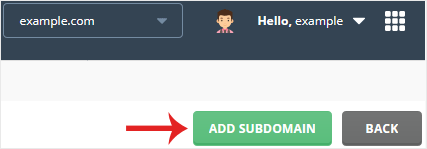
4. Under Subdomain, enter the Subdomain name you want to create.

5. Click on Add Subdomain.
You should see a success message that the subdomain has been created.
1. Log in to your DirectAdmin Account. 2. In the Account Manager section,...
1. Log in to your DirectAdmin Account. 2. In the Account Manager section,...
You can easily remove it if you have previously created a redirect in...
A subdomain is an additional part of your primary domain. Please, follow this...
With a domain alias, you can access old.example.com on new.example.com. 1....
