🔥 FIRSATI KAÇIRMA İlk 3 ay %50 indirimle başlayın — Tüm hosting paketlerinde yeni müşterilere özel kampanya! Hemen İncele
Domaintahsis Bilgi Bankası Makale Detayı

How to Access Softaculous in SiteWorx

Softaculous is a one-click script installer that automates the installation of web applications to a website. You can access it via SiteWorx.


1
. Log in to your SiteWorx account.

2. In the Additional Features section, click on Sofataculous.
sw-softaculous-icon.gif


3. SiteWorx will open the Softaculous interface.
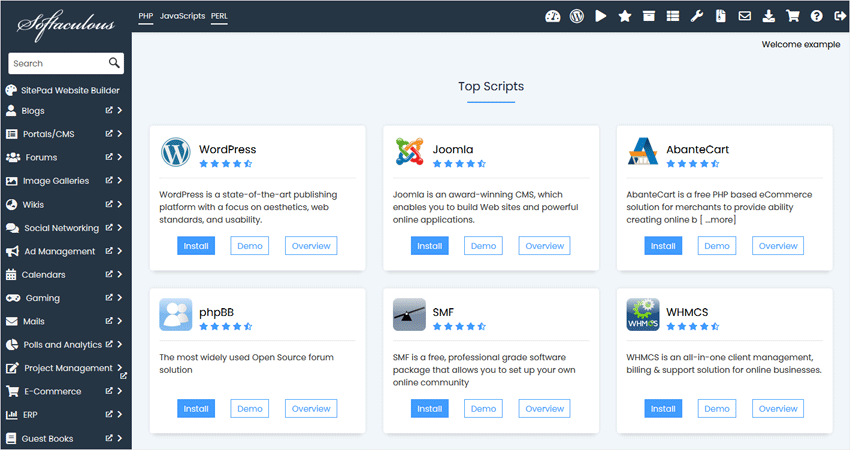
siteworx-softaculous-interface.gif

If you want to go back to SiteWorx, click on the Go to Control Panel icon.
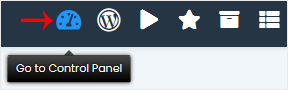

sw-softaculous-goback.gif

Bu makale size yardımcı oldu mu?

Cevabınız, dokümanlarımızı geliştirmemize yardımcı olacaktır.

İlgili diğer dökümanlar

Softaculous is an Auto-Installer that allows the automated installation of...